Use the Report Violation page to report errors in other members' listings. Error reports are sent to the MLS or the listing office, depending on your MLS rules.
The following procedure describes the error-reporting function that is available in Flexmls.
-
Select a listing on the search results page.
-
In the top button bar, click Report Inaccuracy. (On smaller screens, this option will appear under the More (three dots) menu instead.)

-
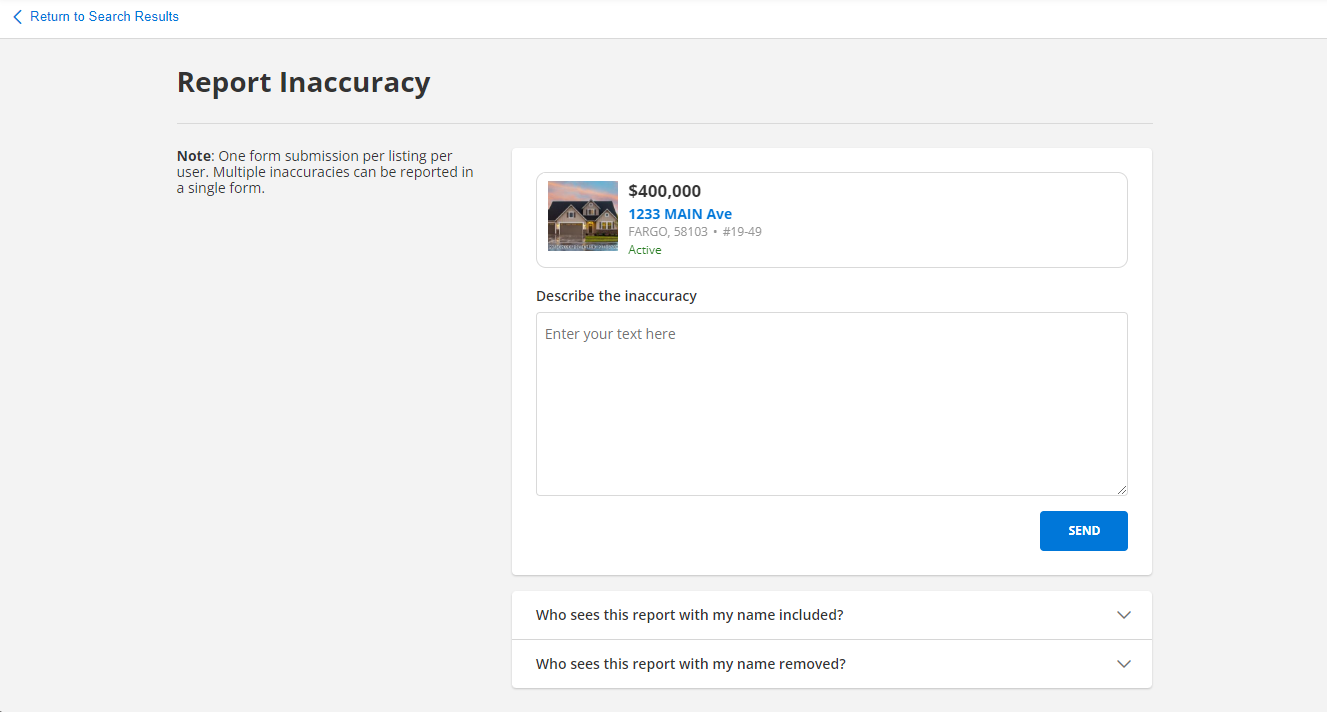
On the Report Inaccuracy page, information for the listing that you selected is populated automatically.
-
Type a description of the error in the text box.
-
If needed, below the text box, you can click the options to see who will receive the report and who can see your identifying information.
-
When you are finished, click Send.
-
A confirmation window will appear. Click Return to Listing to go back to the search results page.