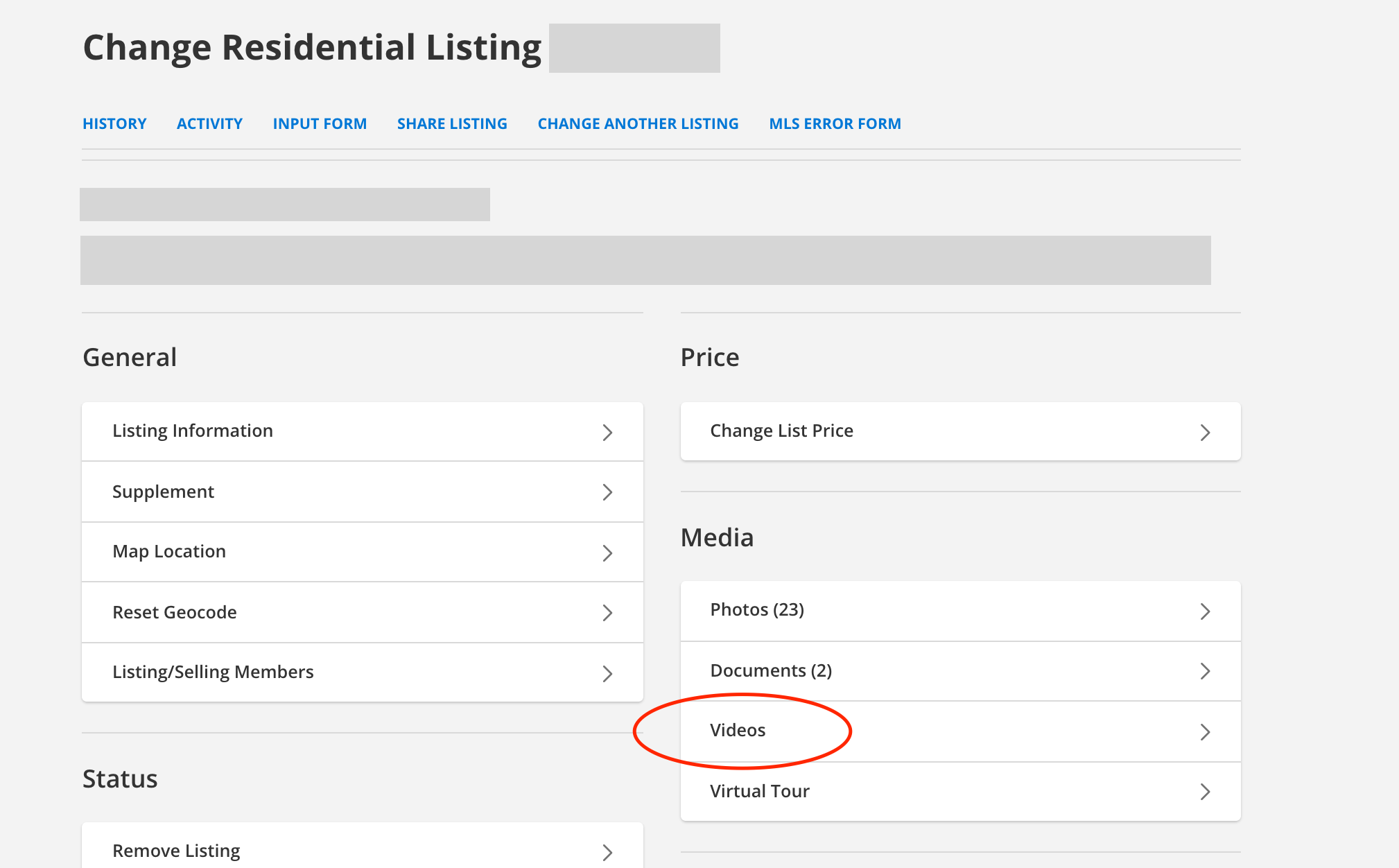
You may add as many videos to your listings as you'd like. To begin making this change, navigate to the listing maintenance page, and click Videos under the Media section.
Be sure that your video is UNBRANDED, meaning it does not contain anything relating you or your brokerage to the listing (contact info, names, logos, etc).
Note: Your video must already be uploaded to a third-party service. Your videographer likely gave you a weblink.
To add a video, click the Add Video button and enter a description. Enter a caption, if needed. Then enter the HTML EMBED code from your video provider.
IMPORTANT: Make sure to enter the HTML code that will embed the video. Embedding the video ensures seamless viewing on the Flexmls Search Results page. If you get an error with your video, or it is not displaying correctly, you likely input the simple share link to the video, not the HTML EMBED CODE.